



Barcode verification

Easy Reader Control Console

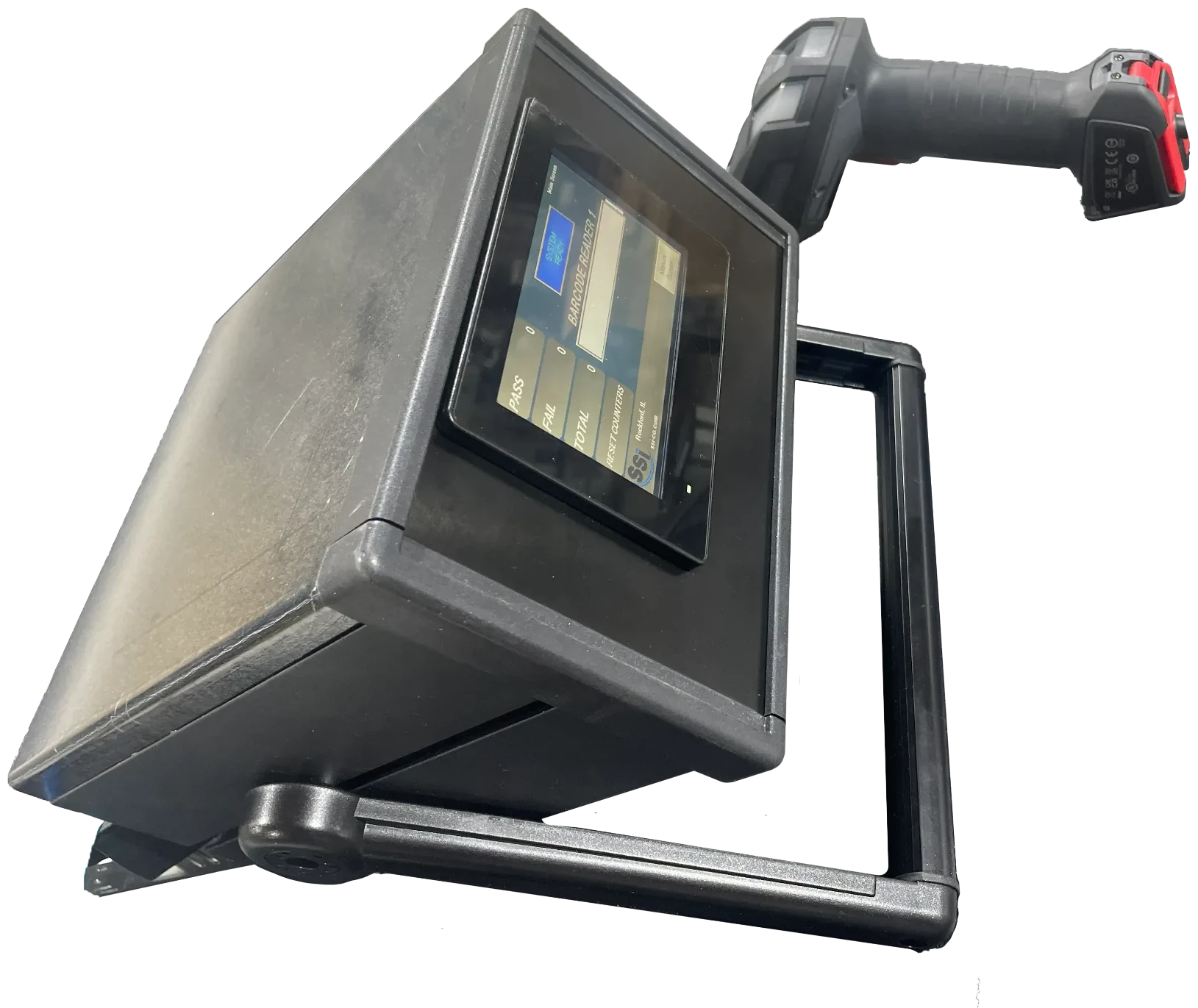
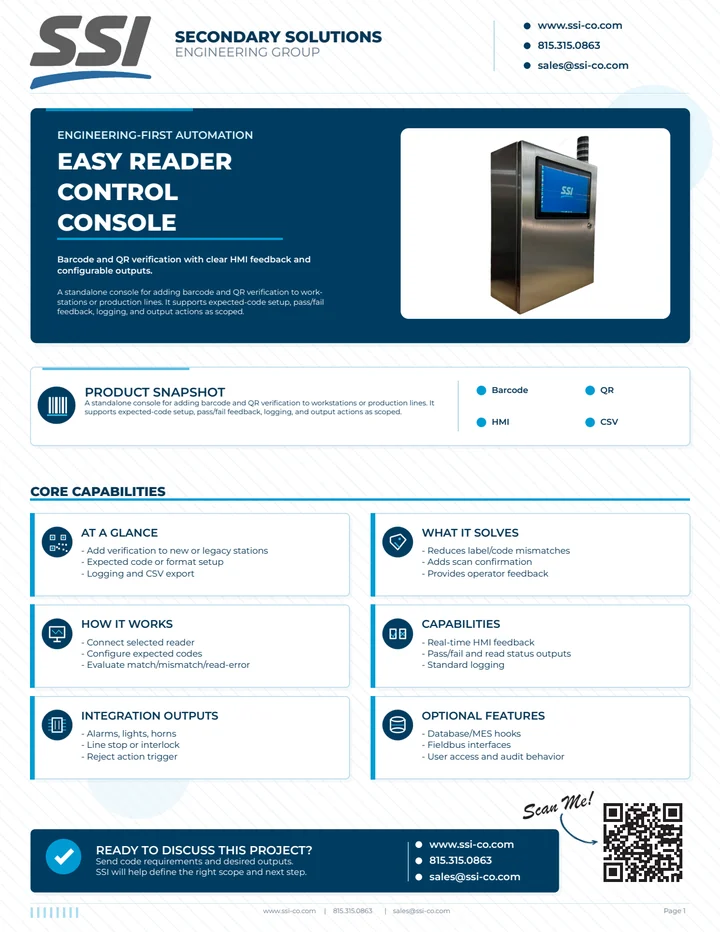
Pre-engineered barcode and QR verification console

Pre-engineered barcode and QR verification console for lower-cost, self-install checks

Designed for manufacturers who want reliable code verification without the cost or complexity of a fully custom station. Install the console yourself, configure expected codes with guided software, and start giving operators clear pass/fail feedback quickly.

SSI can help confirm reader selection, label conditions, and optional outputs when the application requires them.
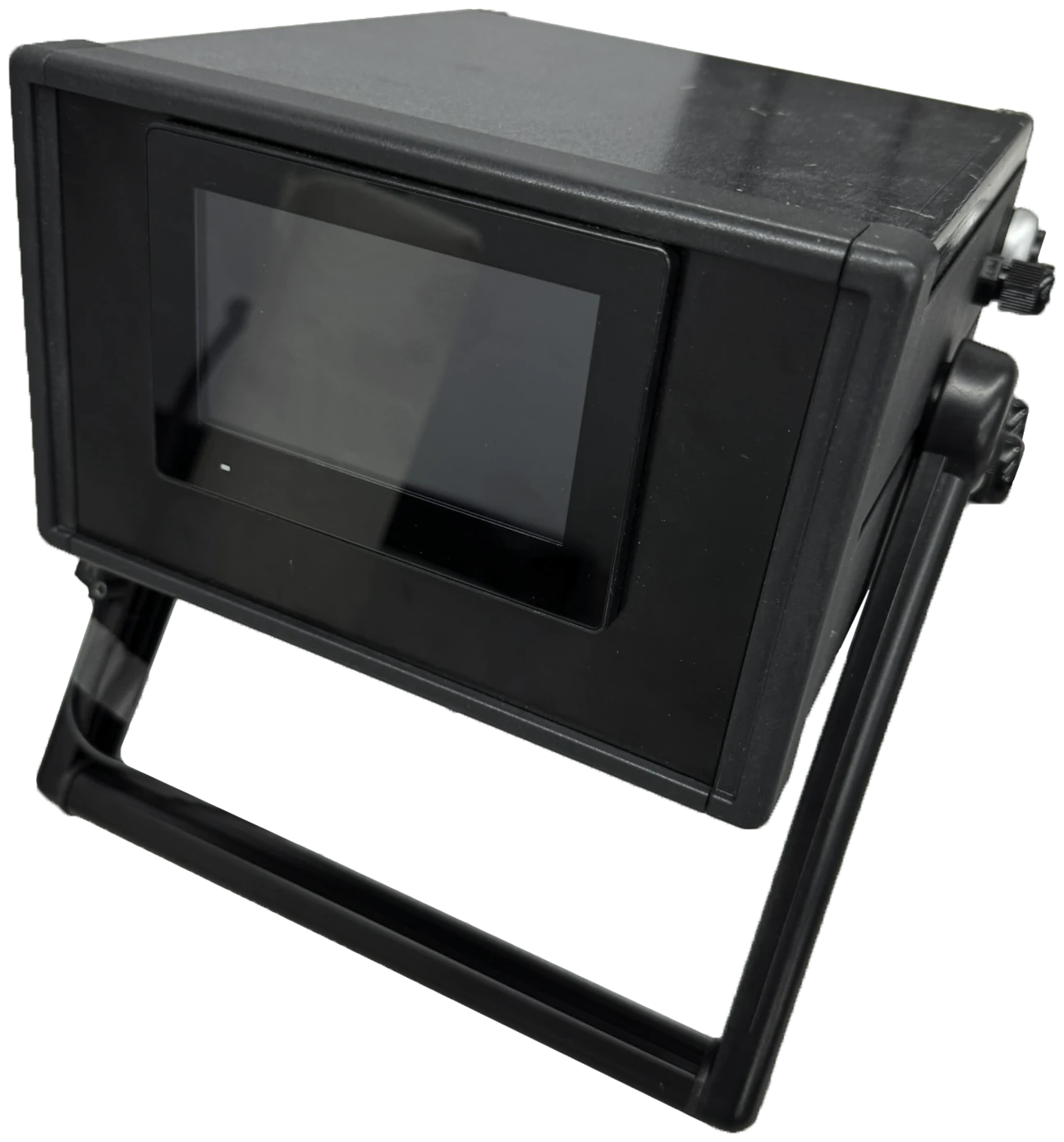
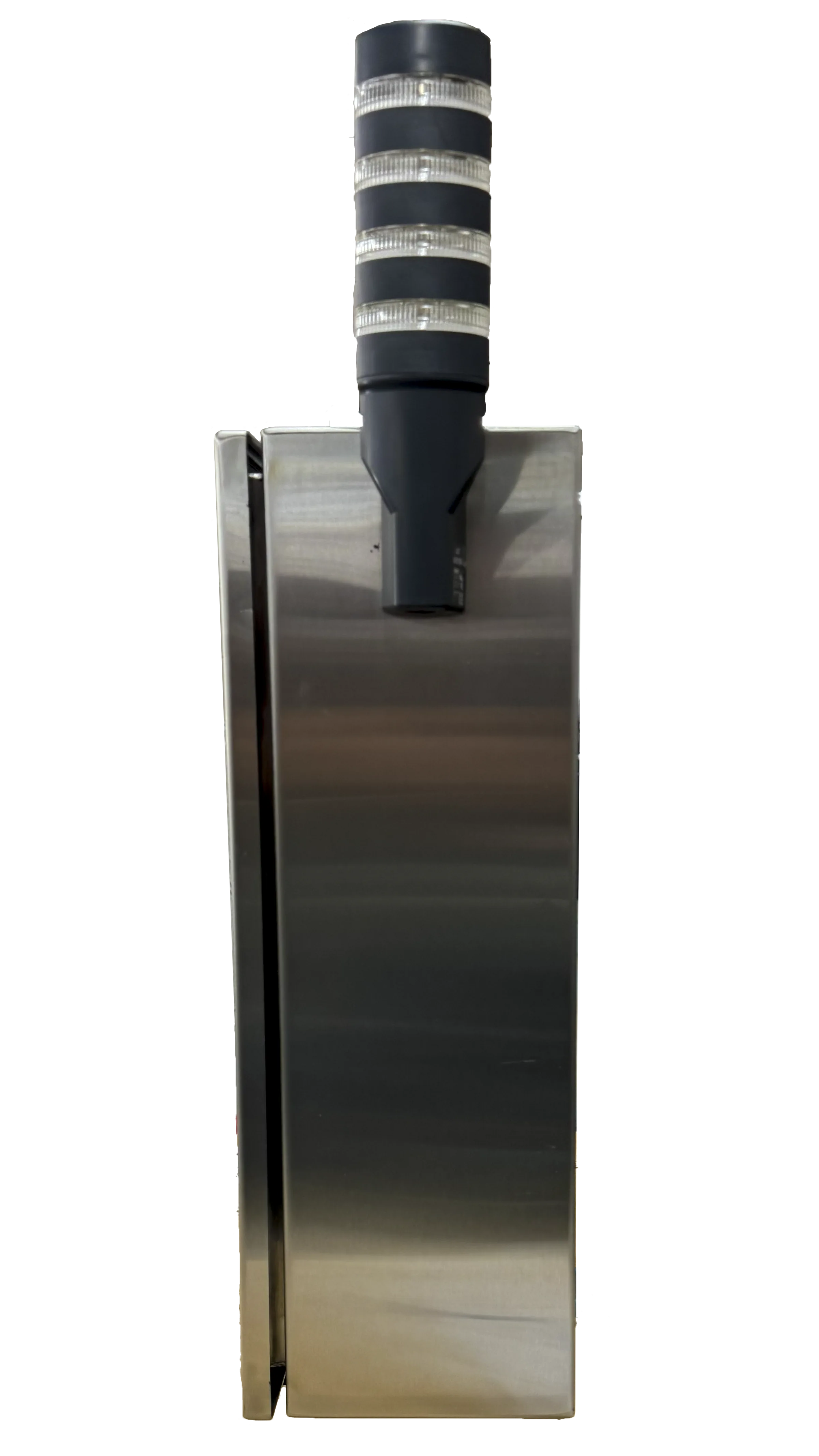
SSI Easy Reader Control Console system
How it works

From code capture to controlled operator response

Use this flow to set up the reader, expected values, operator prompts, exception handling, and exported records for an Easy Reader station.

  1. Detect

    Capture the label or code

    A barcode, QR, OCR, sensor, or operator-triggered event starts the verification at the console.

  2. Verify

    Compare the expected value

    Configured recipes, prompts, or acceptance rules compare the read result against the required part, pack, order, or step.

  3. Decide

    Guide the next action

    The console returns pass, fail, retry, hold, or operator instruction before the workflow continues.

  4. Reject / log

    Control bad reads or mismatches

    Bad reads, wrong items, skipped steps, or mismatch events can trigger prompts, alarms, supervisor review, or hold logic.

  5. Report

    Send verification records

    Read results, operator events, timestamps, exports, database records, or PLC/MES handoffs are available when configured.

Typical scope

Typical scope

Use these details to confirm whether a self-install Easy Reader console fits the code-checking need before sending parts, samples, or drawings.

Line speed
Matched to scan method, code type, operator flow, line rate or manual scan volume, and confirmation steps.
Product spacing
Handheld, fixed-reader, fixtured, or inline presentation; spacing depends on trigger method and label visibility.
Inspection type
Barcode, QR, Data Matrix, OCR, or related mark checks as feasible.
Reject method
Operator pass/fail, alarm, line stop, stop/go output, quality hold, or reject action when configured.
Data outputs
Pass/fail logs and CSV export can be standard; database and dashboard records are scope-dependent.
PLC/MES integration
HMI, PLC outputs, alarms, stop/go control, CSV, database, and MES hooks are optional and application-dependent.
What SSI needs to quote
Code types, sample labels, workflow steps, operator interaction, line rate or manual volume, outputs, logging, and export needs.
Buyer fit

Fit, setup, and quote requirements

Use this section to decide whether the Easy Reader console fits a self-install barcode, 2D-code, or mark-readability checkpoint.

Best fit for

  • Lower-cost barcode and 2D-code verification compared with a custom cell
  • DIY workstation or line-side installation
  • Guided job setup with clear pass/fail feedback
  • Focused code checks that do not need a custom integration

Common applications

  • Label and package code verification
  • Work order, lot, date, and serial checks
  • Operator scan stations
  • Read/no-read alarms and quality hold points

What it verifies

  • Code presence and readability
  • Expected code match or format rules
  • Pass/fail status with operator feedback
  • Timestamped results when logging is enabled

Setup requirements

  • Reader type, scan distance, and mounting position
  • Part or label presentation method
  • Optional PLC, alarm, stop/go, or operator interface needs
  • Lighting and surface considerations for reliable reads

What SSI needs to quote

  • Code types and sample labels
  • Workflow steps and operator interaction
  • Line rate or manual scan volume
  • Output, logging, and data export requirements
Next step

Ready to scope this system?

Send samples, drawings, target line speed, spacing, reject handling, and data requirements so SSI can confirm fit and quote the right Easy Reader Control Console configuration.
  • Samples, drawings, or product photos
  • Line speed, spacing, and orientation
  • Reject handling, logging, and integration needs
Request a Quote