

Vision Tower

Vision Tower

Single-side vision inspection platform

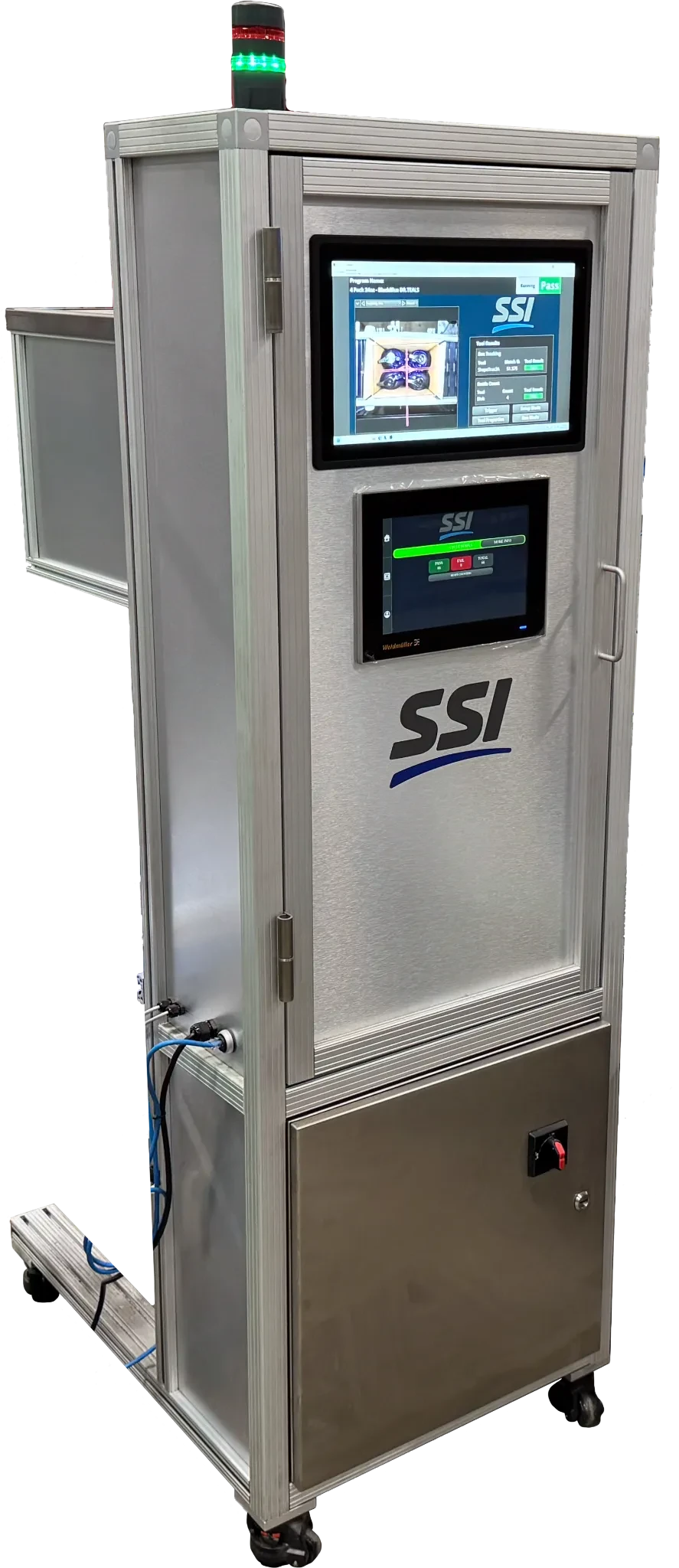
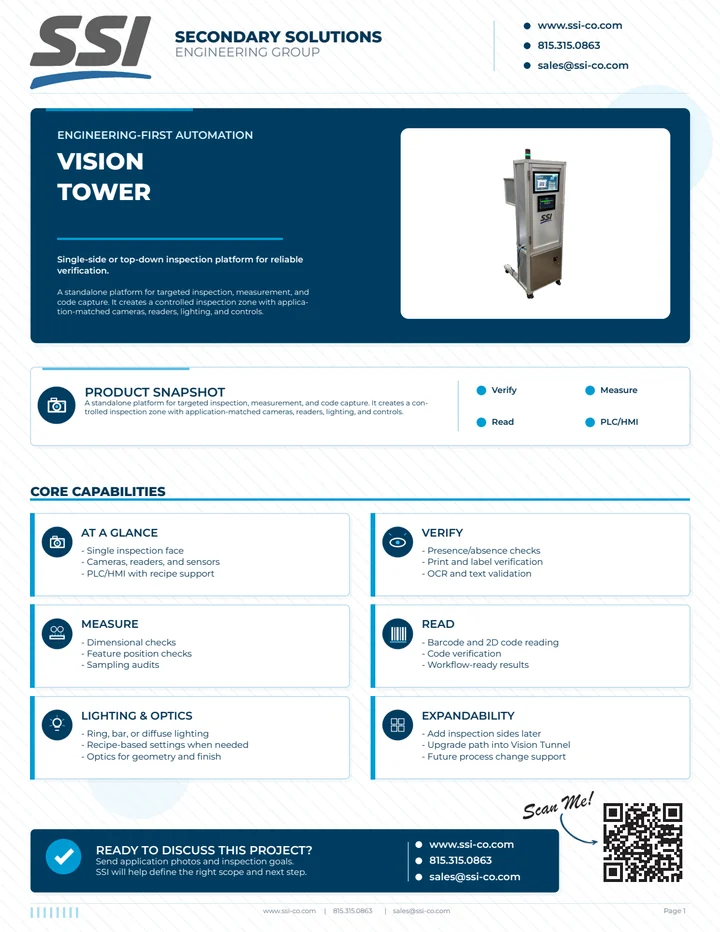
The Vision Tower is a standalone platform for single-side or top-down inspection. It creates a controlled inspection zone for reliable verification, measurement, and data capture in production or audit workflows.

Configuration depends on application.

SSI Vision Tower inspection system
How it works

From presented part to operator-ready decision

Use this flow to scope a fixed inspection station, including part presentation, target checks, operator prompts, outputs, and records.

  1. Detect

    Present the part or feature

    A fixtured, manual, or inline trigger confirms the part is in the inspection position before the check runs.

  2. Verify

    Check the target face

    The camera, reader, sensor, and lighting package is matched to the visible feature, code, label, or measurement.

  3. Decide

    Return a station decision

    The system converts the check into pass/fail, stop/go, operator prompt, or quality-hold logic.

  4. Reject / log

    Alert or hold the exception

    Failed checks can drive alarms, operator instructions, stop signals, downstream outputs, or manual disposition steps.

  5. Report

    Export audit data

    Pass/fail logs, timestamps, CSV exports, and optional image retention are configured around the station workflow.

Typical scope

Typical scope

Use these details to frame line constraints, integration needs, and quote inputs before sending parts, samples, or drawings.

Line speed
Scoped to operator flow or line rate, inspection time, and camera/reader package.
Product spacing
Works with fixed stations, fixtured checks, or controlled inline presentation; spacing and timing depend on trigger method.
Inspection type
Camera, barcode, 2D reader, sensor, and lighting package selected per application.
Reject method
Operator pass/fail, alarm, stop/go output, downstream reject signal, or quality hold as scoped.
Data outputs
Pass/fail logs, timestamps, CSV export, and optional image retention can be included.
PLC/MES integration
Standalone HMI, PLC handshakes, stop/go outputs, and data export are scope-dependent.
What SSI needs to quote
Part photos, target inspection face, acceptance criteria, defect examples, manual vs inline workflow, data, alarm, and reject/output expectations.
Buyer fit

Fit, scope, and quote requirements

Use this section to decide whether a compact inspection tower is enough for the checkpoint, or whether a tunnel-style platform is a better fit.

Best fit for

  • Targeted inspection at one production checkpoint
  • Lines with limited floor space
  • Manual, operator-assisted, or inline verification cells
  • Applications that do not need full tunnel coverage

Common applications

  • Barcode, 2D code, and OCR checks
  • Presence, orientation, and feature verification
  • Label or package position checks
  • Sampling inspection and quality audit stations

What it verifies

  • Visible features from the configured camera or reader positions
  • Defined pass/fail rules for the checkpoint
  • Operator-facing status and alarms
  • Logged results when traceability is required

Integration requirements

  • Mounting location and guarded service access
  • Part stop, trigger, or conveyor timing method
  • PLC/HMI or operator interface requirements
  • Lighting control for reflective, dark, or variable surfaces

What SSI needs to quote

  • Part photos and target inspection face
  • Acceptance criteria and defect examples
  • Manual vs inline workflow description
  • Data, alarm, and reject/output expectations
Next step

Ready to scope this system?

Send samples, drawings, target line speed, spacing, reject handling, and data requirements so SSI can confirm fit and quote the right Vision Tower configuration.
  • Samples, drawings, or product photos
  • Line speed, spacing, and orientation
  • Reject handling, logging, and integration needs
Request a Quote