
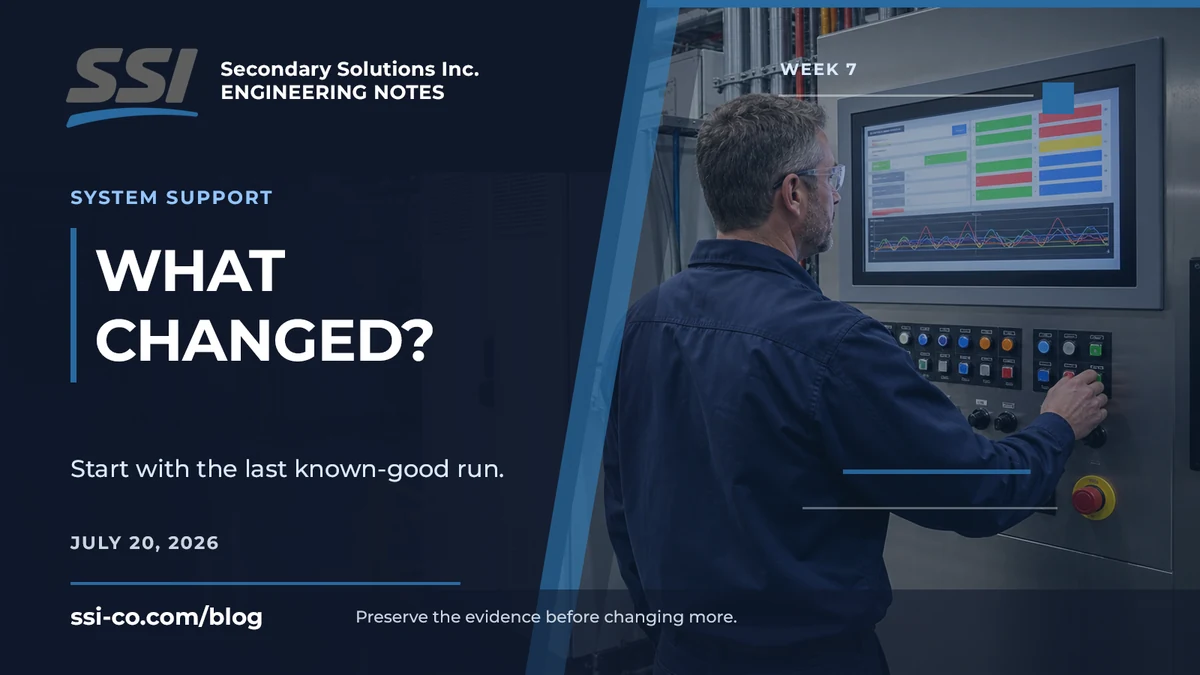
Start with the last known-good run
An automation problem can appear sudden even when the system itself did not change. A new part lot, a recipe selection, routine maintenance, a bumped sensor, a utility change, or an operator adjustment may have changed the conditions around it.
The first useful comparison is the last known-good run against the first bad run. When did the issue begin? Is it continuous or intermittent? Does it follow one product, shift, job, or machine state? Those answers narrow the search before more variables are introduced.
Check the main sources of change
Product and material: part dimensions, finish, color, labels, packaging, supplier lots, or normal variation may be different from the samples used during setup.
Settings and software: recipes, thresholds, setpoints, PLC or HMI changes, network paths, user permissions, and connected-system data can change system behavior without any visible mechanical damage.
Hardware and maintenance: sensor position, camera focus, lighting, tooling, conveyor tracking, air pressure, replacement components, cleaning, and adjustments should all be compared with the last known-good condition.
Environment and utilities: ambient light, vibration, temperature, dust, electrical power, compressed air, and nearby line activity can create problems that look like control or inspection faults.
Preserve evidence before changing more
Random adjustments can erase the evidence that would have pointed to the cause. When it is safe and practical, capture the exact fault message, HMI screenshots, photos of the station, current recipe or settings, good and failed examples, and a short timeline before changing multiple parameters.
Also record what has already been tried. A power cycle, sensor adjustment, replacement part, software change, or maintenance action may be important even if it did not fix the issue.
A useful support request shortens the loop
A useful support request identifies the machine or line, includes the serial number when available, explains what changed, provides the exact fault or screenshot, compares good and failed output, and lists the steps already taken. That gives the support team a focused starting point instead of a blank troubleshooting session.
The goal is not to collect paperwork. It is to preserve the clues that separate a product change from a settings problem, a hardware issue, or an environmental condition.
Review the SSI system support and service process.
Submit a support request: https://www.ssi-co.com/support