
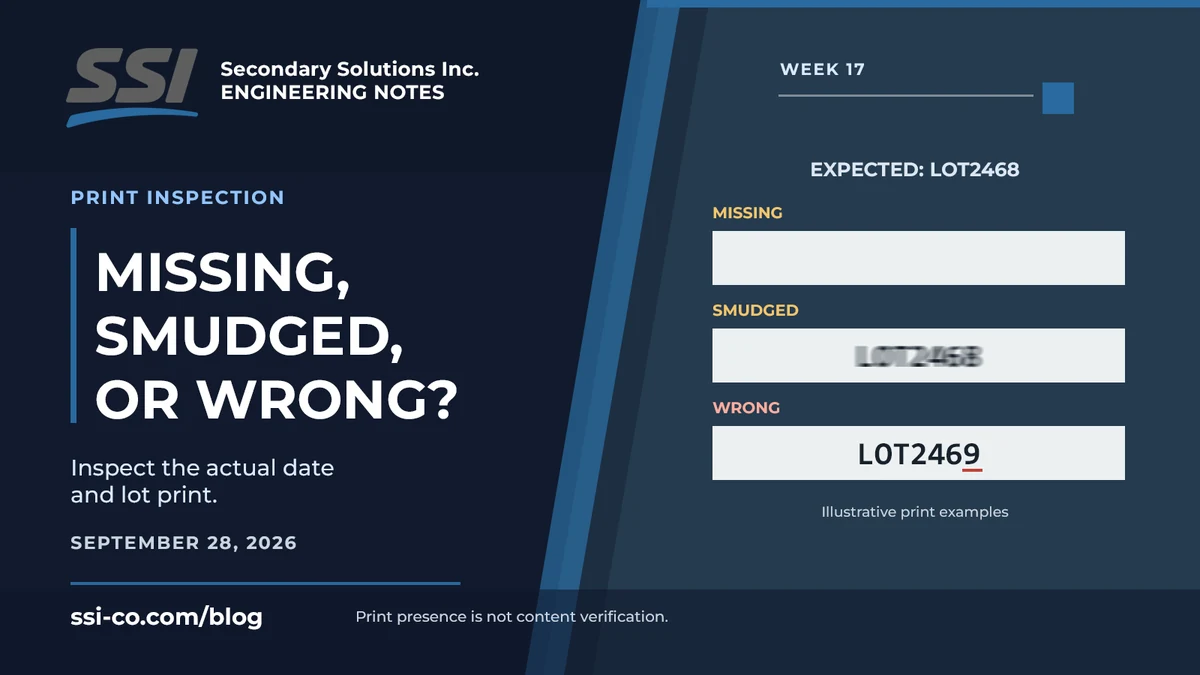
The package has a label. The printer received its message. Neither fact proves that the date and lot code were printed correctly on the package now moving down the conveyor.
A missing character, a smudged digit, and a clearly printed but incorrect lot number can create different kinds of rework. Treating them all as one 'code check' makes it easy to verify one condition while leaving another unchecked.
Three print problems require different questions
A presence check asks whether printing appears in the required area. It can identify a blank print zone, but visible marks alone do not establish what they say.
A recognition task attempts to read the characters. Optical character recognition, or OCR, converts the imaged text into a result that can be used by the inspection logic. Optical character verification, or OCV, checks characters against expected content. Cognex's OCV documentation identifies printed date and lot codes as a typical verification application.
Recognition and verification can work together in a configured inspection. The important point is to define whether the job requires detecting print, reading it, comparing it with the required string, or evaluating a particular print defect. Those are not interchangeable requirements.
Make the difference concrete
Imagine a job that requires the illustrative lot string LOT2468. One package has no print. Another shows LOT246 with the final digit missing. A third clearly shows LOT2469. The first has a presence problem, the second has an incomplete string, and the third has different content.
All three should be evaluated against the actual job requirement, but they need not fail for the same reason. A system configured only to find dark marks in the print zone might not distinguish the incomplete or incorrect strings.
Now add a fourth package with the correct characters but a smeared edge. Whether that condition is acceptable depends on the defined readability or print-quality requirement. It should not be decided by silently treating every readable string as acceptable print.
Inspect the print rather than the printer command
An inspection camera evaluates the marks on the product. The printer's selected message is useful context, but it is not evidence that every character transferred to every package. The required content also needs an approved job reference; a repeated wrong printer setting should not become its own definition of correct.
SSI's Vision Tunnel lists date and lot verification among its continuous-motion applications. Cameras, lighting, and reading tools are arranged for the selected package faces and print conditions. Specific text checks must be confirmed for the font, surface, line conditions, and acceptance requirements.
Keep results useful to production
Where configured, separate reasons such as missing print, unreadable text, and content mismatch help the team understand what needs attention. They describe different problems even when each results in a quality hold.
Discuss your printed-code inspection with SSI. Bring examples of the print failures you need to catch, not just a clean label that already reads well.